Ansible Automation

So, the beginning of the year has been quite busy for me. I have written some automations for our environment to make our day-to-day operations more efficient. So I thought that I should share what I have been working on. It's mainly two workflows
- Automated Template patching
- Automated Executive Capacity Reports
Follow along in this blog post series.
For those who have missed my blog post series about how we set up our DEVOPS environment for our environments, you can find that series here:
 Jonas Högman
Overview of Patching Automation
This is the general flow of the patching of templates:
- Two separate Ansible playbooks depending on platform (Nutanix or VMware)
- Two separate Ansible playbooks per platform depending on operating system family (Windows or Linux)
- Separate AWX jobs depending on operating system (Win2022, Win2025, Ubuntu, or Rocky)
General workflow:
Start Template -> Configure Template to boot in staging network -> Install all updates -> Sysprep / Cloud-init to prepare for cloning.
My playbooks are named like this:
- patch_linux_template_ntnx.yml
- patch_linux_template_vmw.yml
- patch_win_template_ntnx.yml
- patch_win_template_vmw.yml
Windows Workflow
To read about the Windows Workflow. Take a look at this post:
 Jonas Högman
Linux Workflow
To read about the Linux Autopatching Workflow, take a look at this post:
 Jonas Högman
The AWX workflow
In this post you can read about how i scheduled those jobs in AWX.
 Jonas Högman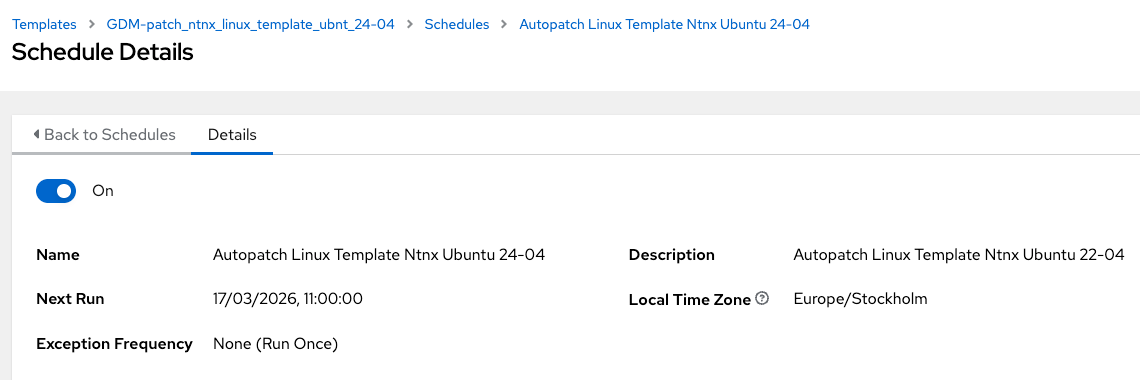
Overview of Automated Capacity Reports
We are in the process of changing a lot in our infrastructure and we have capacity planning meetings. Since we do not have access to the Nutanix Cluster Runway capacity planning, and since we also have a VMware environment, I wrote those two playbooks to extract some capacity information from our clusters for our executives to read and use.
No need for me to prepare the reports for them manually—a win-win.
Automated Executive Capacity Reports
To read about the Executive Capacity Reports for Nutanix, read this post:
 Jonas Högman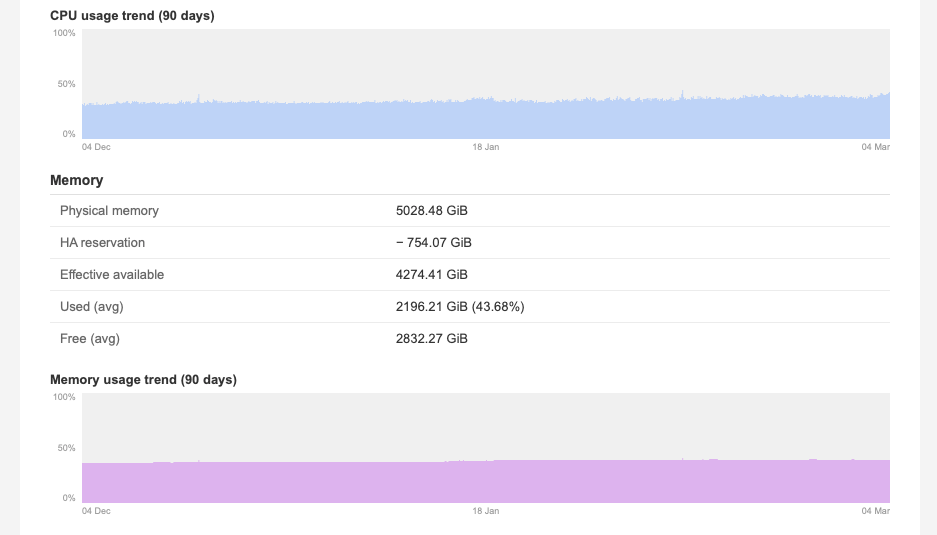
To read about the Executive Capacity Reports for VMware, read this post:
Comming soon...
Automation is so nice since we can save a lot of time. Hope that you have gotten some inspiration from this blog post series.